Transparent background maker
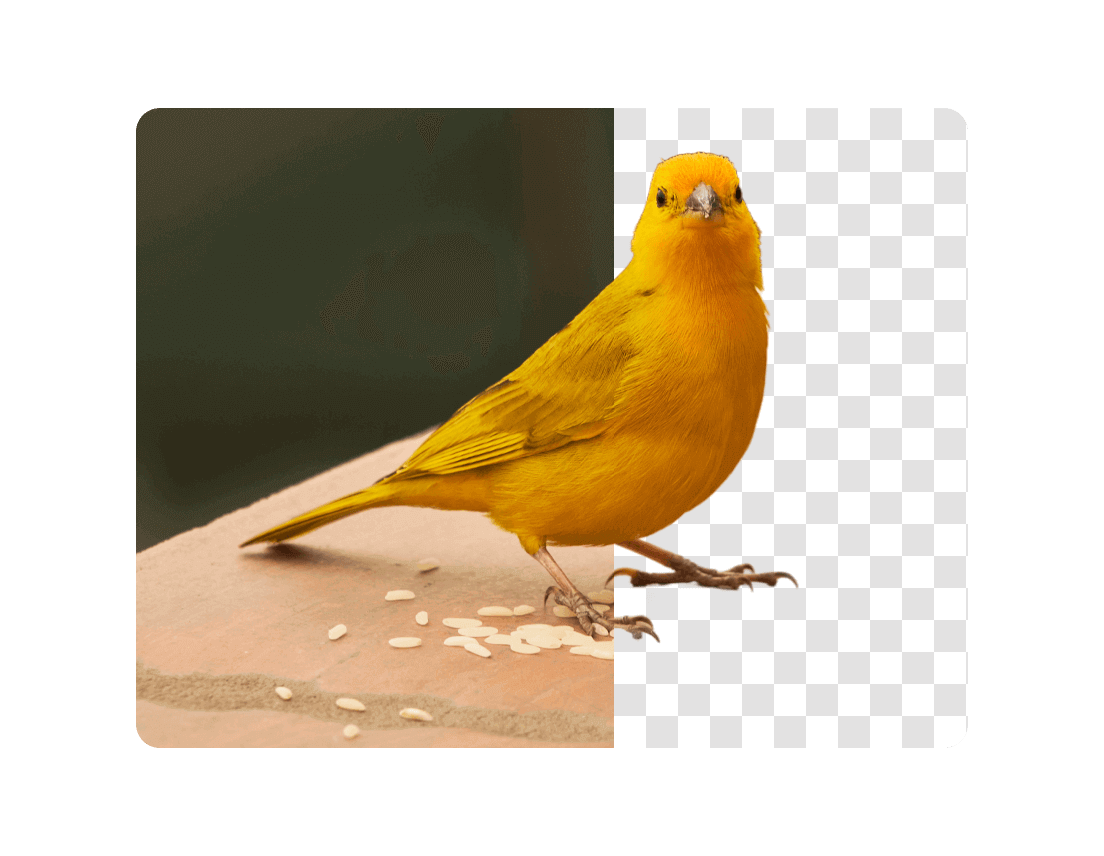
Create transparent backgrounds for photos, products, logos, and graphics using advanced AI. Perfect for ecommerce, design, marketing, and presentations.
Copyright Policy
andCommunity Guidelines
.
How to make image backgrounds transparent

Upload your image.

Remove the background with one click.

Download your transparent PNG.
What makes QuillBot’s transparent background maker better?
Our AI-powered transparent background maker delivers precise, fast results with no design experience required.
Flawless background removal
Powered by advanced vision technology that preserves fine edges like hair, fur, and textures.
Instant and completely free
You can instantly remove background
Supports all popular image formats
Compatible with all major image file types including PNG, JPG, WEBP, and more.
Privacy-first technology
Images are never stored or saved over cloud servers.
Works anywhere, on any device
Use on any major web browser including Chrome, Firefox, and Edge and on any device format including PC, mobile, and tablet.
Who is QuillBot’s transparent background maker tool for?

Ecommerce sellers and marketers
Create images that meet Amazon, Etsy, and Shopify listing standards.
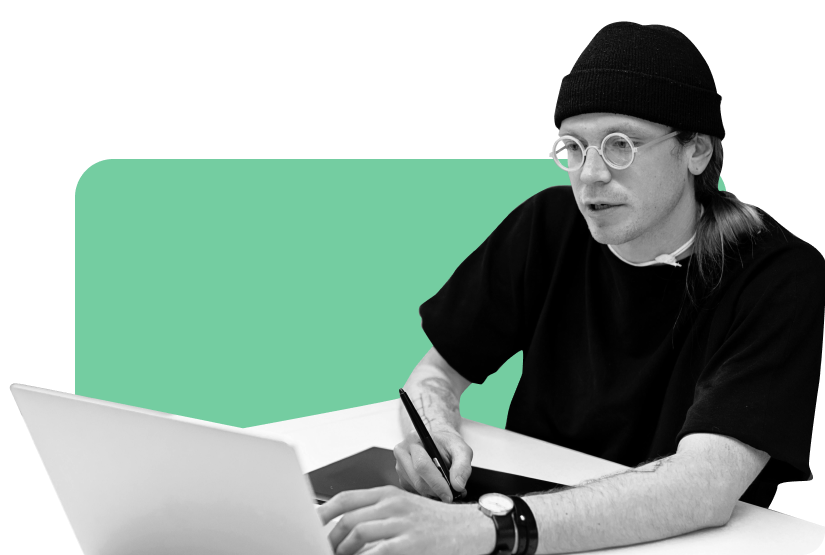
Designers and photographers
Refine and retouch backgrounds in portraits, mock-ups, and creative projects.
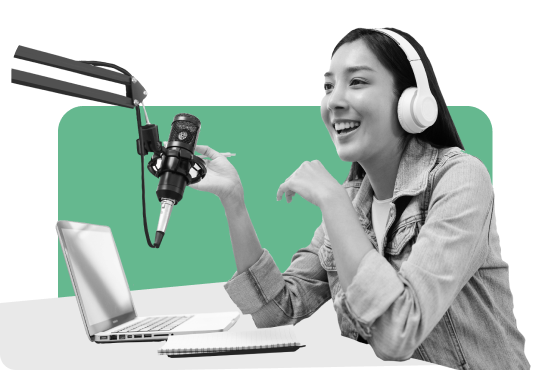
Content creators and social media managers
Design scroll-stopping posts, thumbnails, and reels with consistent branding.
Tips for best results:
Start with clear, high-resolution photos so details are clear.
Choose images where subjects stands out from the background.
Avoid heavy motion blur to make background swaps easier.
Crop out unnecessary content first.
Retouch manually if needed.
Why writers love us
Transparent background maker FAQs
What is an AI transparent background tool?
Transparent background maker is a tool that uses artificial intelligence to automatically detect the main subject in an image and remove the background, leaving a clean transparent background behind.
How do I make a background transparent?
Simply upload your image, let the AI remove the background automatically, and then download your transparent image. It takes seconds to complete, with no manual editing on your end required.
What image formats can I export as transparent?
You can download your finished image as a high-quality PNG with full transparency support.
Does transparent background tool work with product photos or headshots?
Yes. The AI is trained to recognize people, objects, and products, making it great for profile photos, product listings, and marketing images.
Is QuillBot’s transparent background tool free to use?
Yes. QuillBot’s transparent background maker tool is completely free to use, with no hidden fees.
Can transparent background maker handle hair, fur, or complex edges?
Yes. The AI is designed to detect fine details like hair strands, fabric edges, and curved shapes to deliver clean results.
Does transparent background work with images that have complex backgrounds?
Yes, but results may vary depending on lighting, contrast, and image quality. For best results, use high-resolution images.
Does the transparent background tool work on mobile devices?
Yes. It works in any browser on phones, tablets, or computers with no software download required.
Will the transparent background maker preserve the image quality?
Yes. The transparent PNG exports maintain their original resolution and clarity whenever possible.
Can I upload multiple images to make background transparent?
While you can remove backgrounds for as many images as you’d like, you can can only upload one image at a time.