Free spell checker
Paste or enter your text below to get an instant spell check.
How does QuillBot’s spell checker work?
QuillBot's online spell checker is powered by AI and is part of QuillBot’s overall editing function, which makes it more effective. You can paste a section of a document into the spell checker box on QuillBot’s website or just type something in that you need revised. QuillBot will review your writing and show you where any spelling errors might be lurking by underlining them in red. Then you can click the Fix All Errors button to correct your spelling.
Or, if you’re typing on another website, such as filling out a form, our browser extension is just what you need. Install it and sign in, and you’re all set! Its Grammar Checker gives you a built-in word corrector on almost any website you visit using Chrome or Edge.


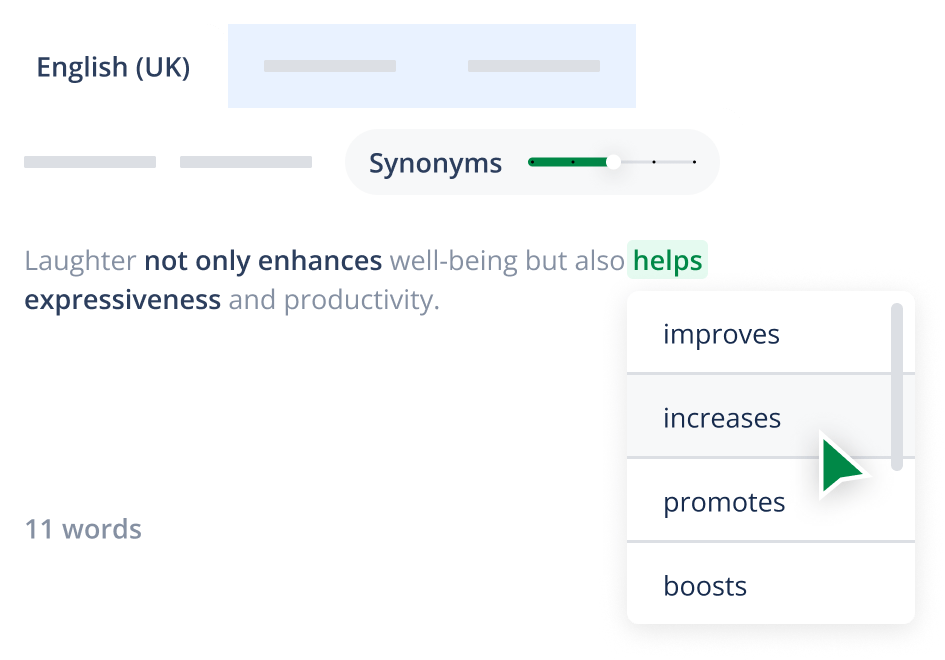
Paraphraser
QuillBot’s Paraphraser
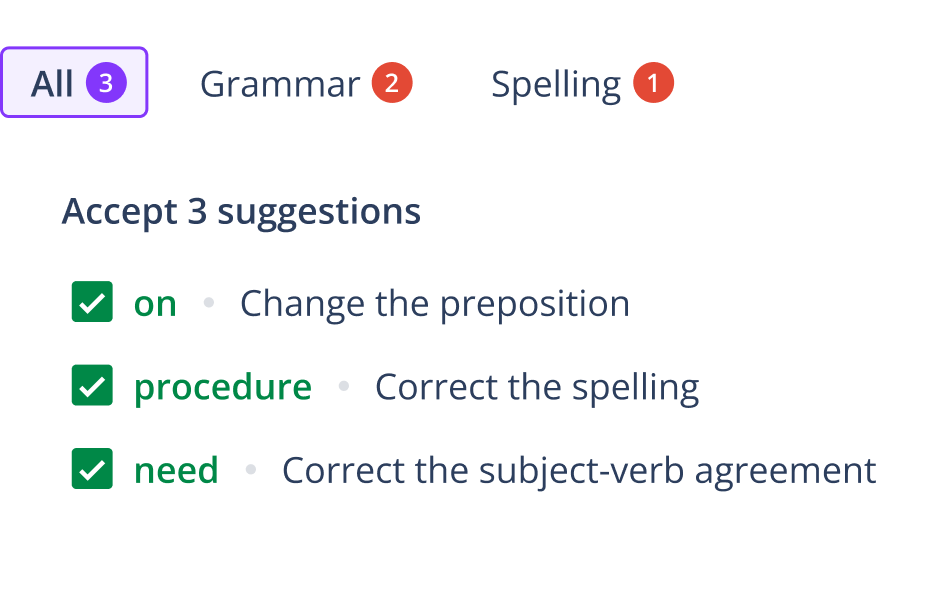
Grammar Checker
When your draft is complete and you’ve ironed out all of the bumps in your content, put the final polish on your written work quickly and easily with our Grammar Checker
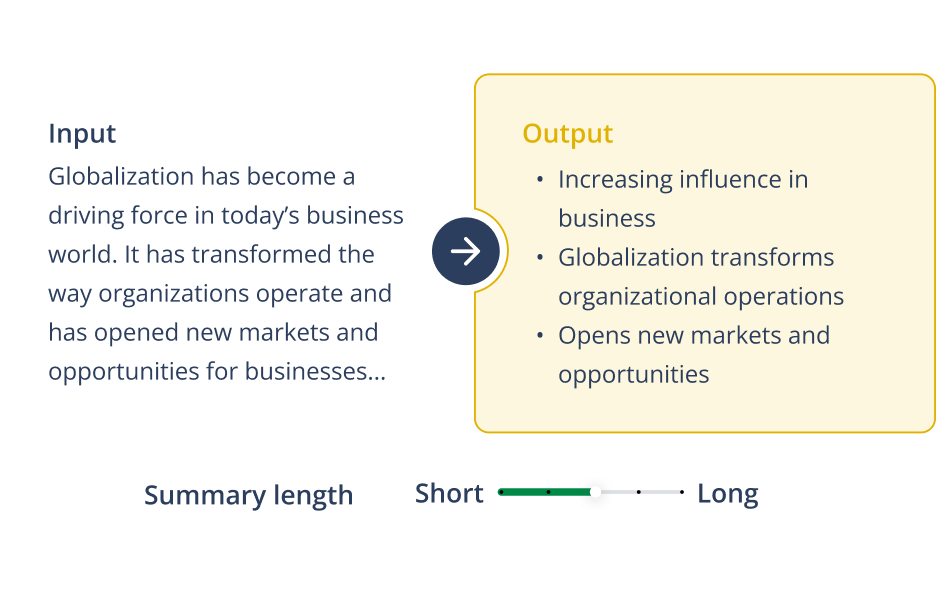
Summarizer
When it comes to staying on top of your reading list, try our Summarizer
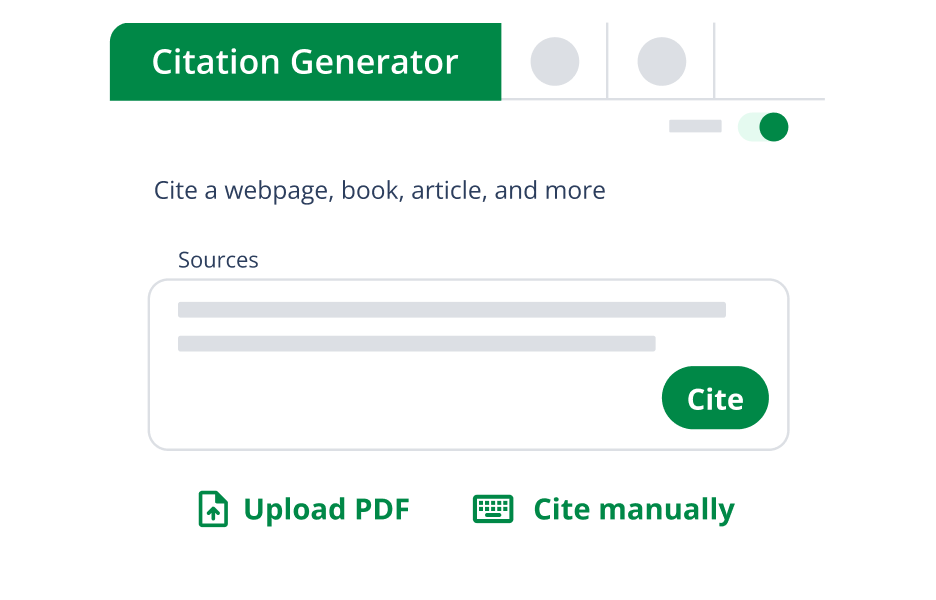
Citation Generator
We know how important it is to properly cite your sources when you’re writing a research paper. When you’re ready to create your reference page, let QuillBot’s Citation Generator help you easily craft full and in-text citations in APA Citation Generator
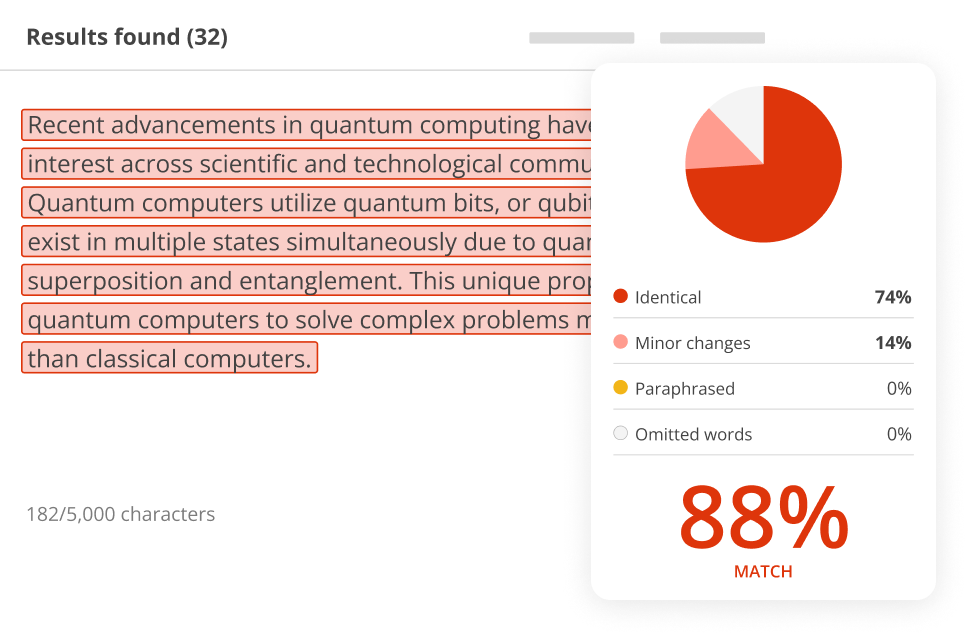
Plagiarism Checker
Before turning in your paper or publishing your content, be sure to check that you have given proper credit to other authors for their work. QuillBot’s Plagiarism Checker
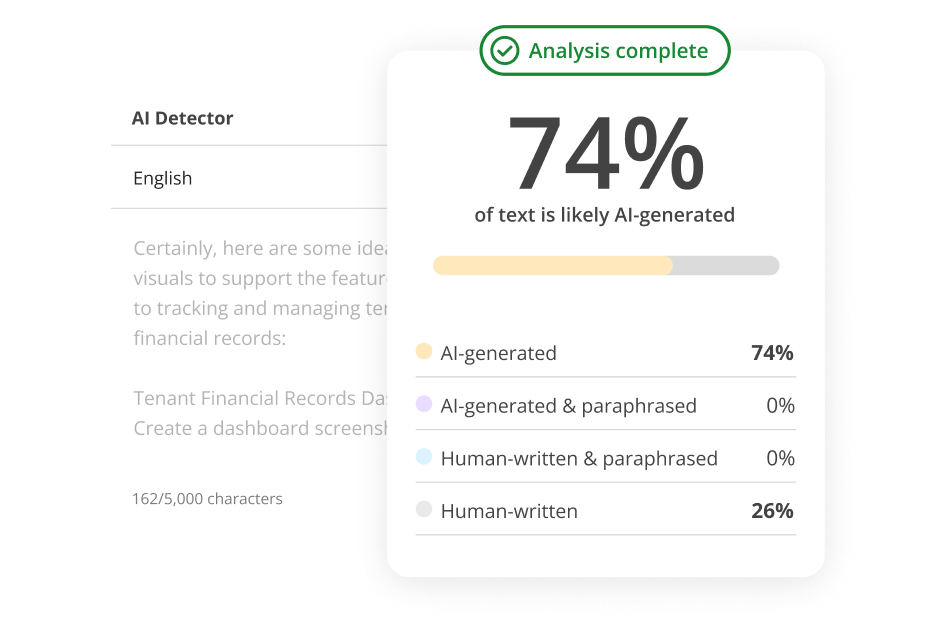
AI Detector
QuillBot’s AI Detector
QuillBot spell checker FAQs
Can QuillBot correct my spelling in Google Docs?
Spelling correction is built into QuillBot’s functionality, so when you install our Chrome browser extension
What’s the difference between QuillBot’s spell checker and the one in my word processor?
Some spell checkers don’t help you catch spelling errors caused by typos or misused words, but QuillBot’s spell check does because it looks at more than just each word individually. It considers the context—the subject and meaning of a sentence—along with the spelling and meaning of a word.
What writing, creating, and editing tools does QuillBot offer?
Besides the spell checker, QuillBot offers an AI Detector, Grammar Checker, Plagiarism Checker Summarizer Humanize AI AI Text Generator AI Story Generator AI Email Writer AI Search Ask AI PDF Editor PDF Converter Converter Tools page AI Image Generator AI Image Editor here AI Website Builder AI Presentation Maker Speech-to-Text Text-to-Speech Word Cloud Generator AI Tools PDF Tools Converter Tools Image Tools AI Writing Tools
You can generate high-quality text using
For working with PDFs, you can chat with PDF, edit them using
Explore all options on the
For web and productivity tools, you can use
For a complete view of all QuillBot tools, visit: