Photo background changer
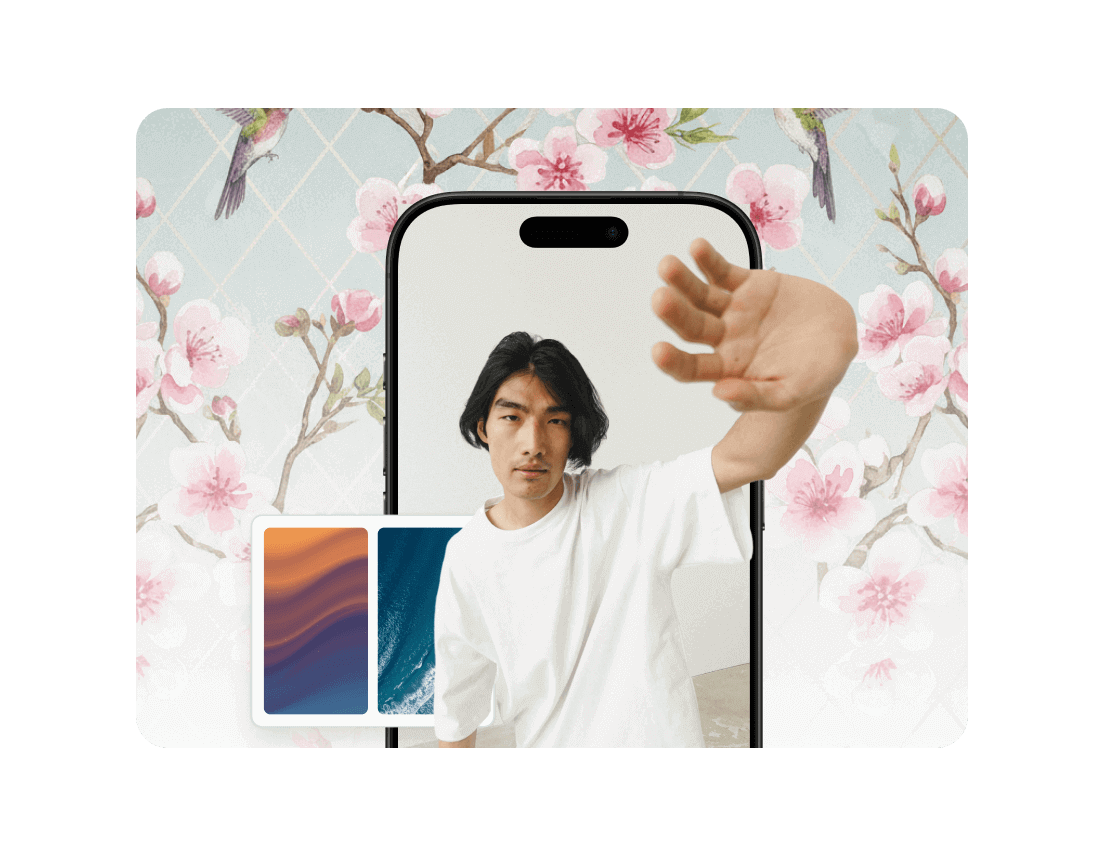
Change photo backgrounds to white, black, transparent, or any color—or replace them with new scenes, gradients, or textures.
Copyright Policy
andCommunity Guidelines
.
How to change photo backgrounds in 4 steps

Drag and drop or manually the image that you want edited.

Automatically remove the background or save a transparent cutout with our Background Remover.

Choose the background that you want for your new image.
Download your updated image.
Who is QuillBot’s photo background remover for?

Ecommerce sellers and marketers
Create images that meet Amazon, Etsy, and Shopify listing standards.

Designers and photographers
Refine and retouch backgrounds in portraits, mock-ups, and creative projects.
Content creators and social media managers
Design scroll-stopping posts, thumbnails, and reels with consistent branding.
Tips for getting the best image results
Start with clear, high-resolution photos so details are clear.
Choose images where subjects stands out from the background.
Avoid heavy motion blur to make background swaps easier.
Pick complementary background colors or images.
Preview the edited image to confirm smooth cutouts.
Why writers love us
Photo background changer FAQs
What is an AI photo background changer?
An AI photo background changer uses artificial intelligence to automatically remove or replace the background of an image while keeping the main subject intact.
How do I change the background of a photo?
Upload your photo, choose or upload a new background, let the AI process the image, and then download your edited result.
Does QuillBot’s AI photo background remover work for all types of images?
The tool works best with clear subjects and well-defined edges, but it can handle portraits, products, and everyday photos.
Can I replace the background with a custom image?
Yes, you can upload your own background image and apply it instantly to your photo.
Is QuillBot’s photo background changer free to use?
QuillBot offers free access to the photo background changer, with no hidden fees or subscription required to use it.
Does QuillBot’s photo background changer work for portrait photos with hair?
Yes, the AI is trained to detect fine details like hair strands for more natural-looking results.
Can I change the background to white or black?
Yes, you can easily replace the background with solid colors like white or black.
Does the photo background changer tool work for product photos?
Yes. It’s perfect for creating clean, professional product images for e-commerce listings.
Do edited images keep their original quality?
Yes, the tool preserves image resolution and detail when changing the background.
Does photo background changer work with low-light or noisy images?
The tool can process low-light or noisy images, but clearer photos typically produce more accurate background replacements.